Dor Sasson / Free download
5 looks.
Yours for free.
Five Lightroom presets pulled from the way I actually edit my work.
Travel. People. Hotels. Landscapes. Real life.
Get all 5 freeNo email. No signup. Just take them.
 XMP + Mobile DNGDor Sasson / Selected work
The idea / 00
Built to be used.
Not just downloaded.
These started as looks I built for my own photographs.
Different light.
Different places.
Different stories.
I'm giving you five starting points.
Take them. Tweak them. Break them. Make them yours.
The collection
Five looks.
One starting point.
Presets shouldn't finish your edit.
They should help you start it.
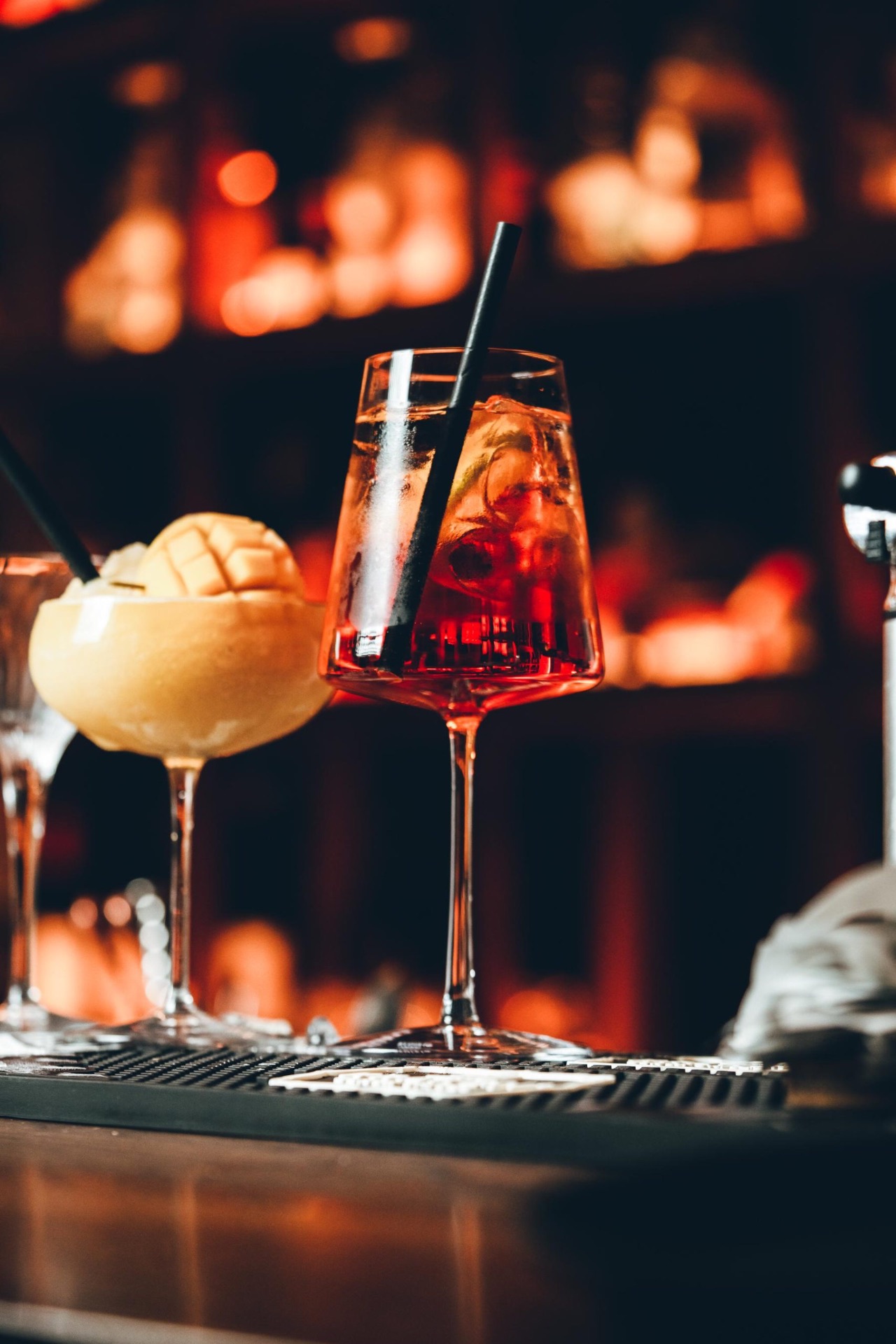
01 / Everyday
DSP BASE

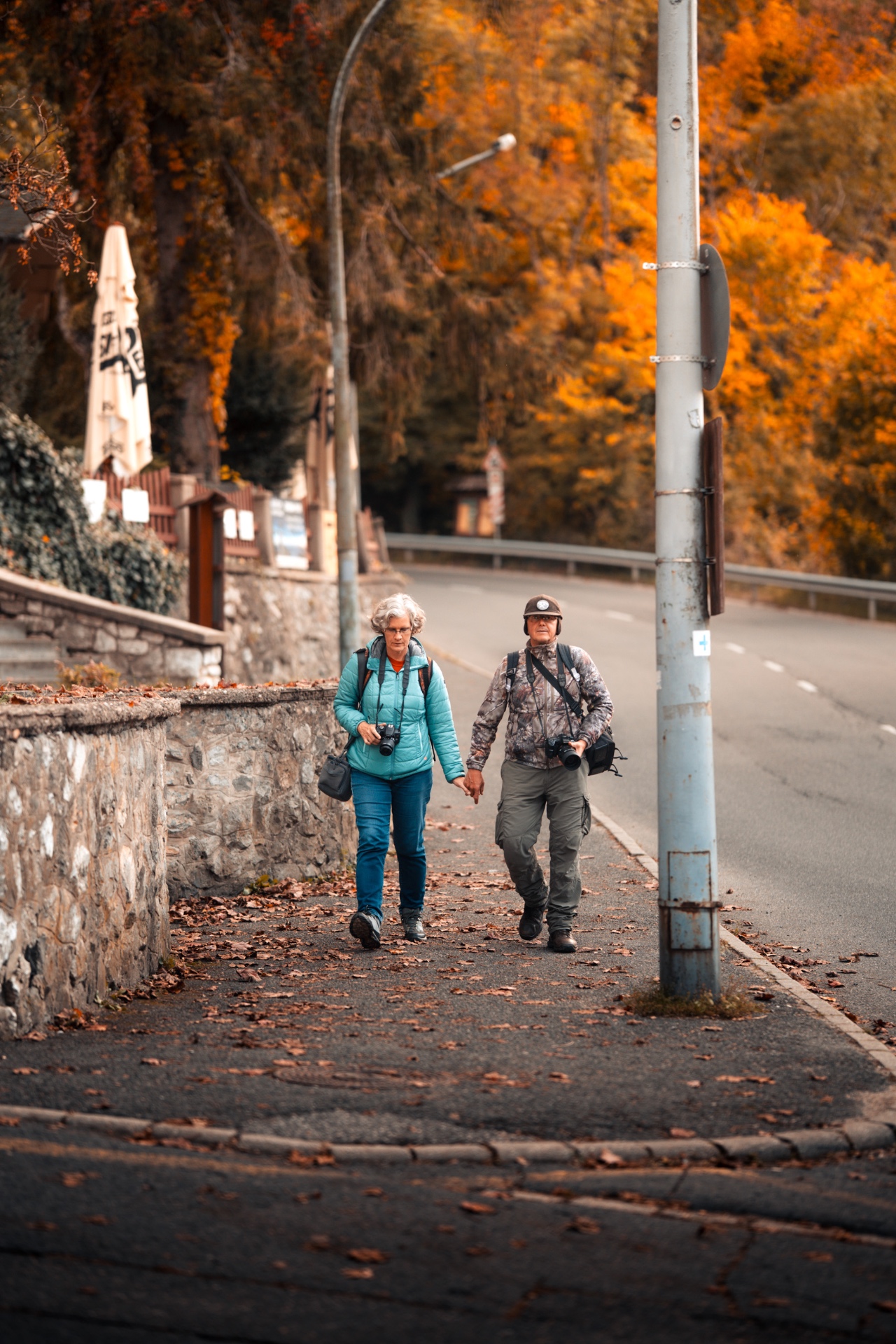
02 / Lifestyle
DSP LIFESTYLE
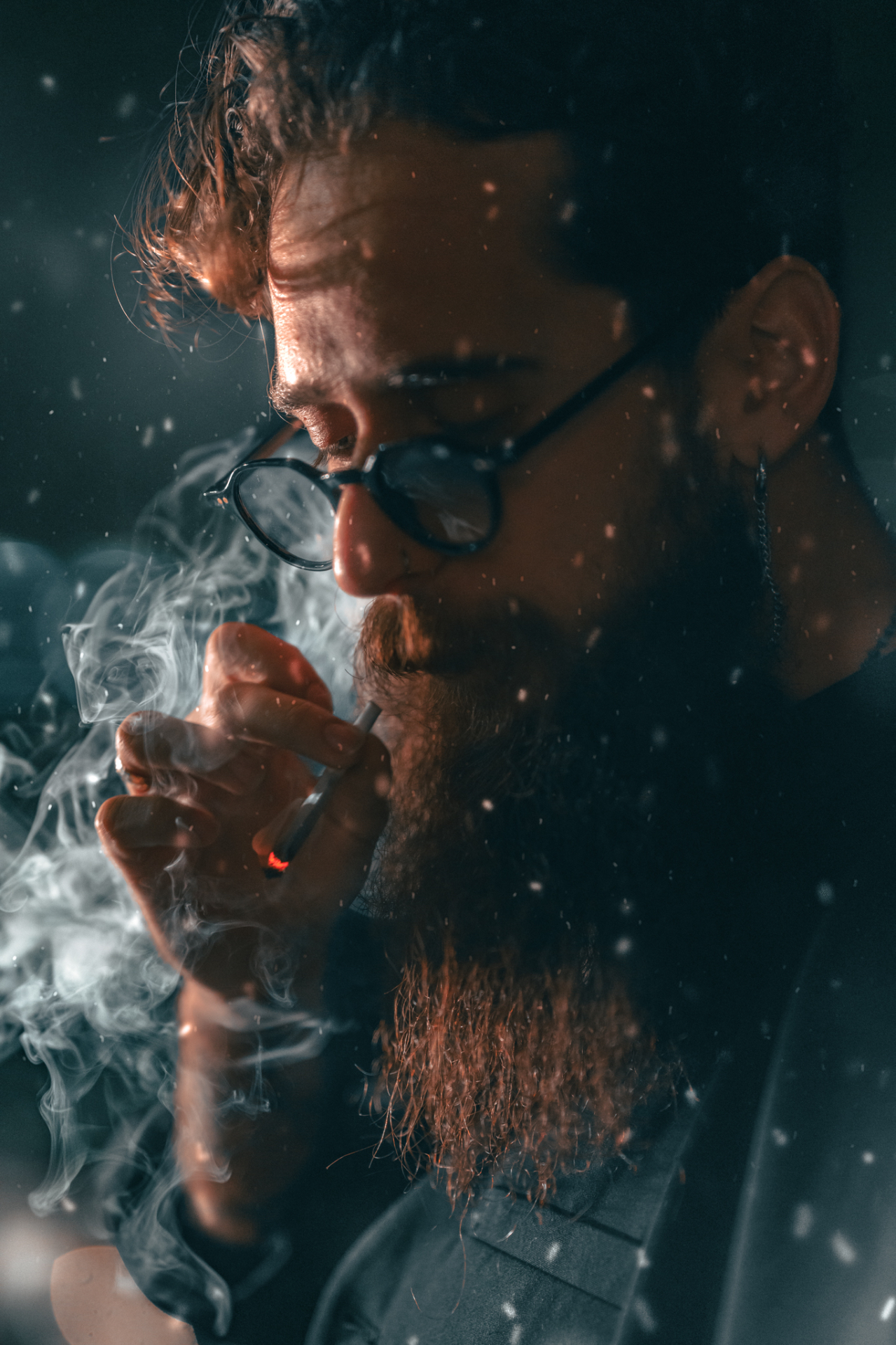
03 / Cinematic
DSP MOODY CINE
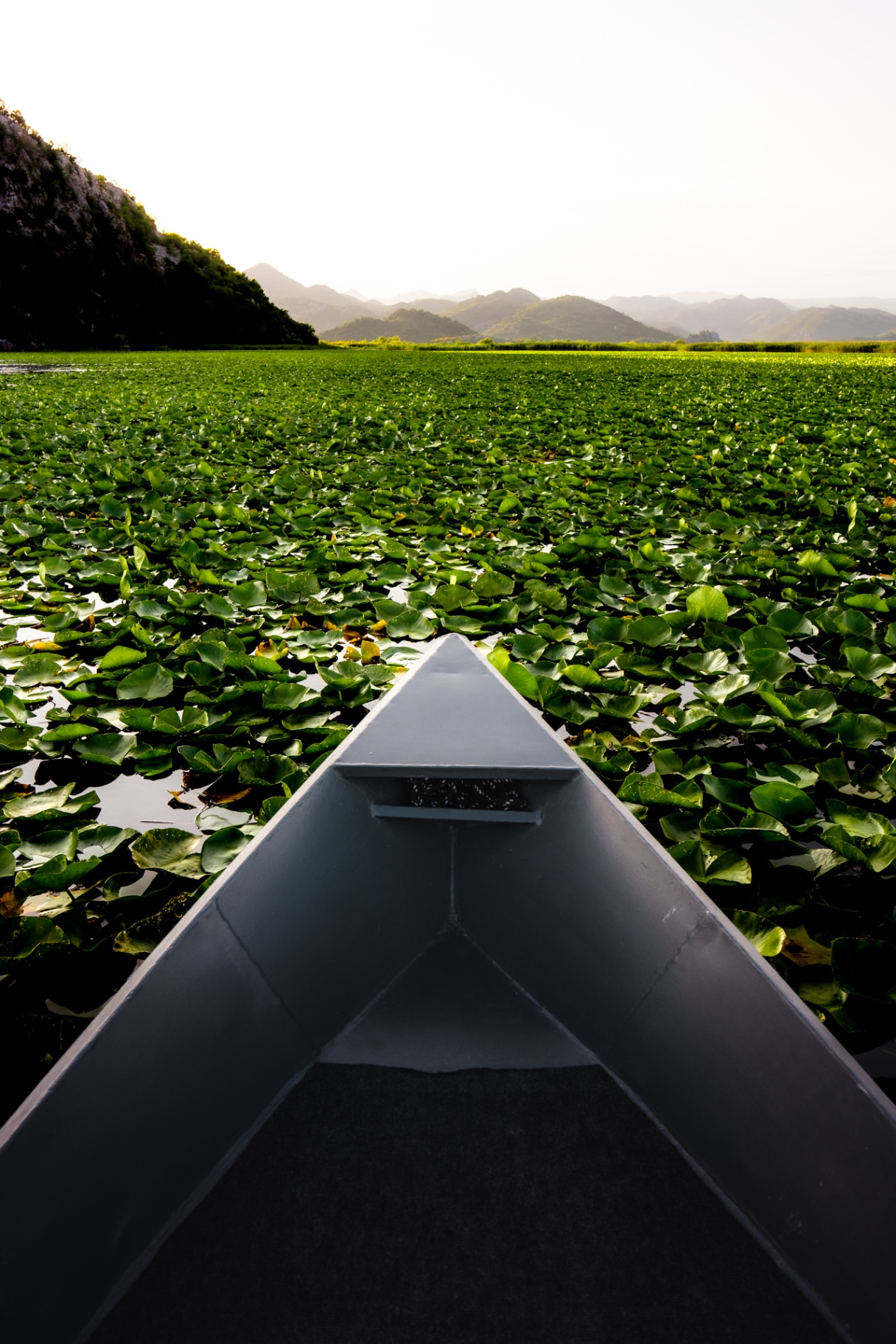
04 / Landscape
L01
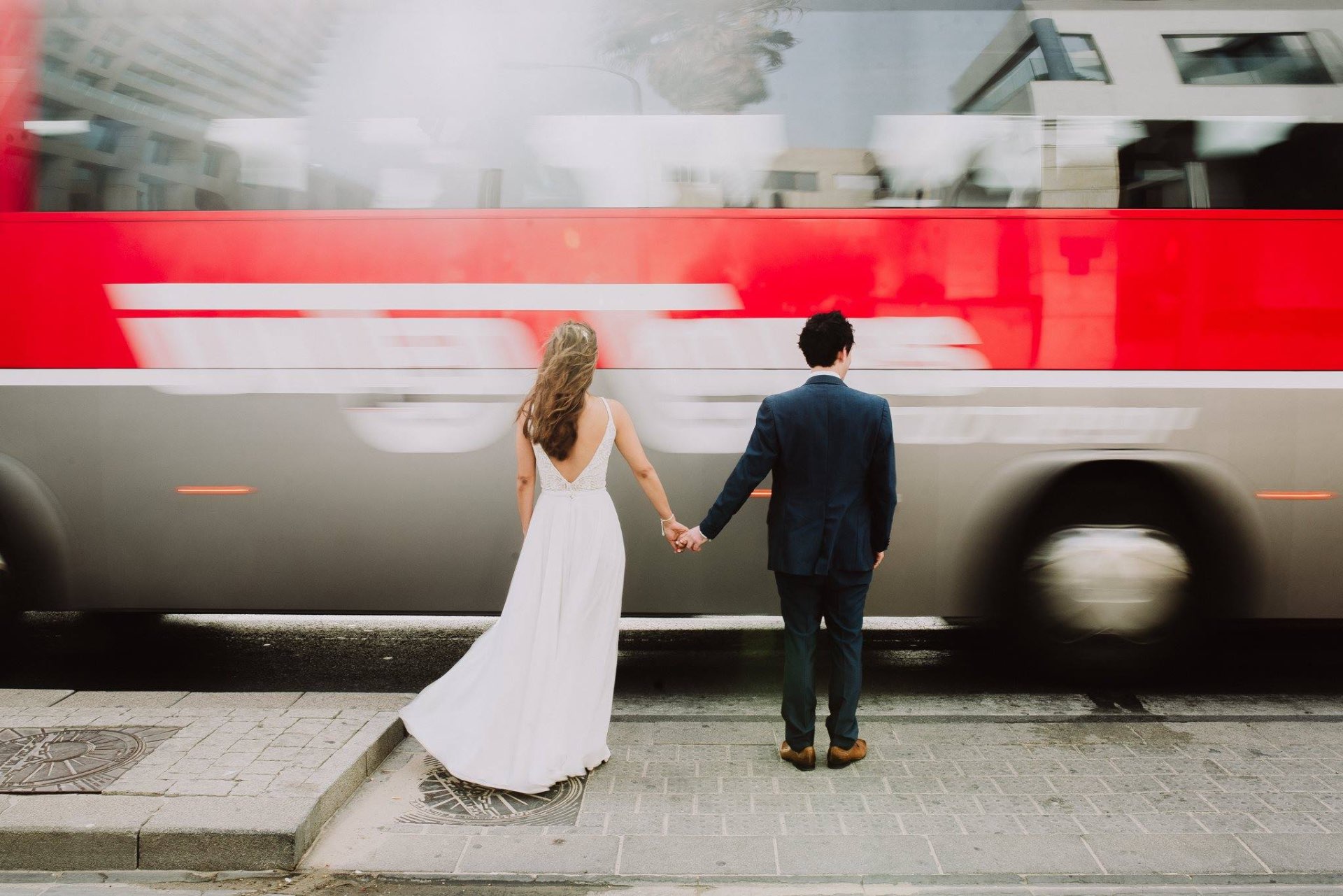
05 / Couples
W03
Presets shouldn't finish your edit. They should help you start it.
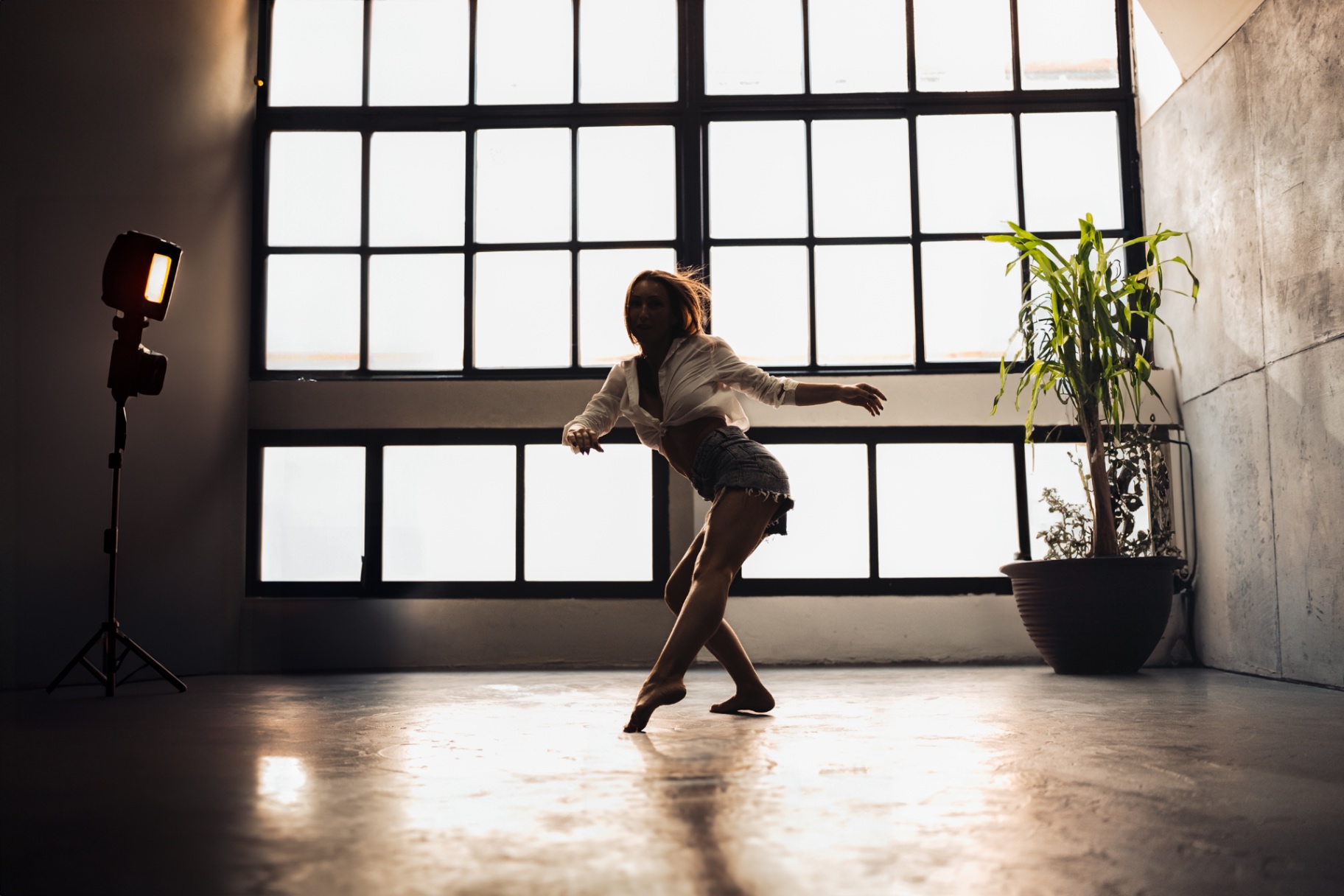
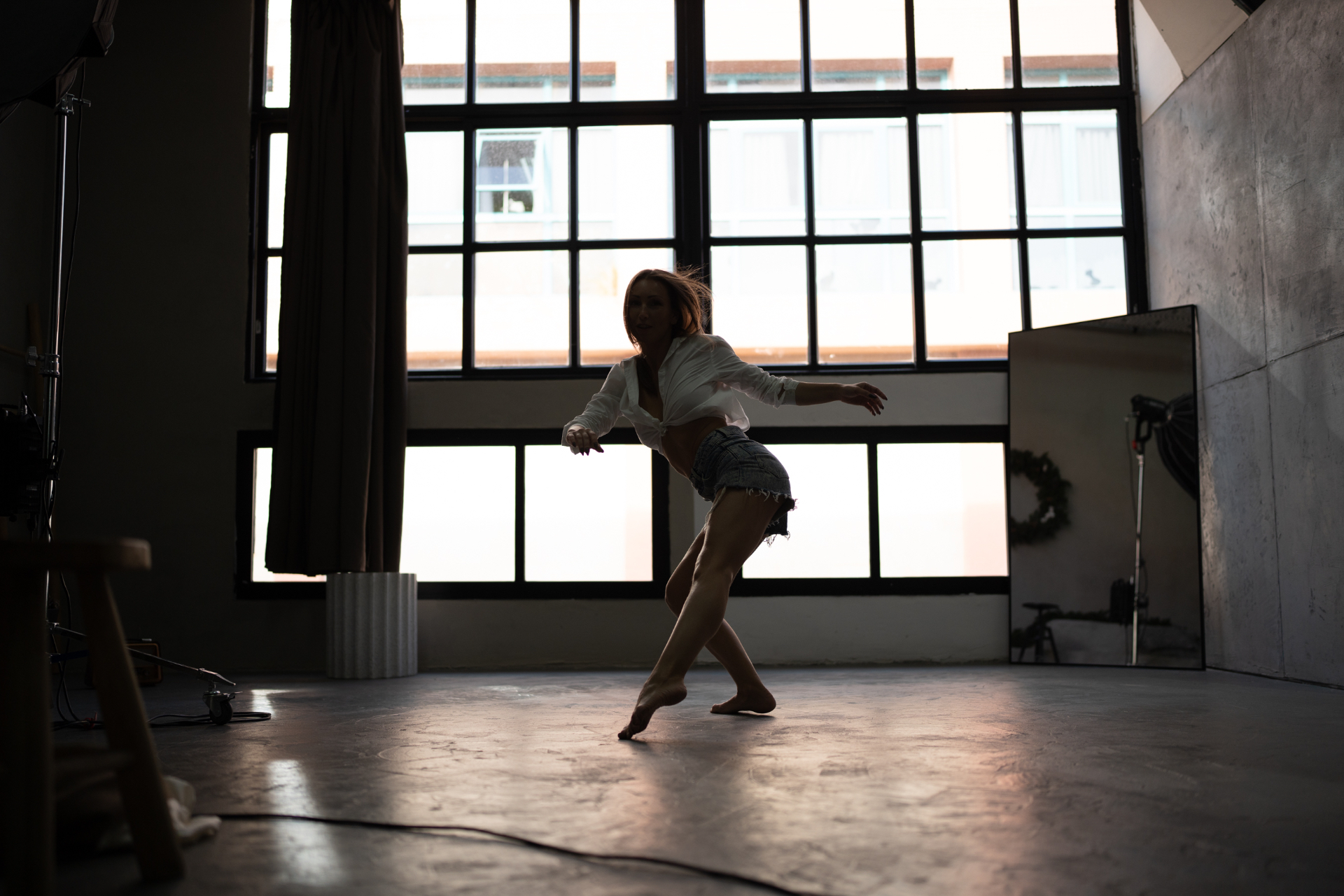
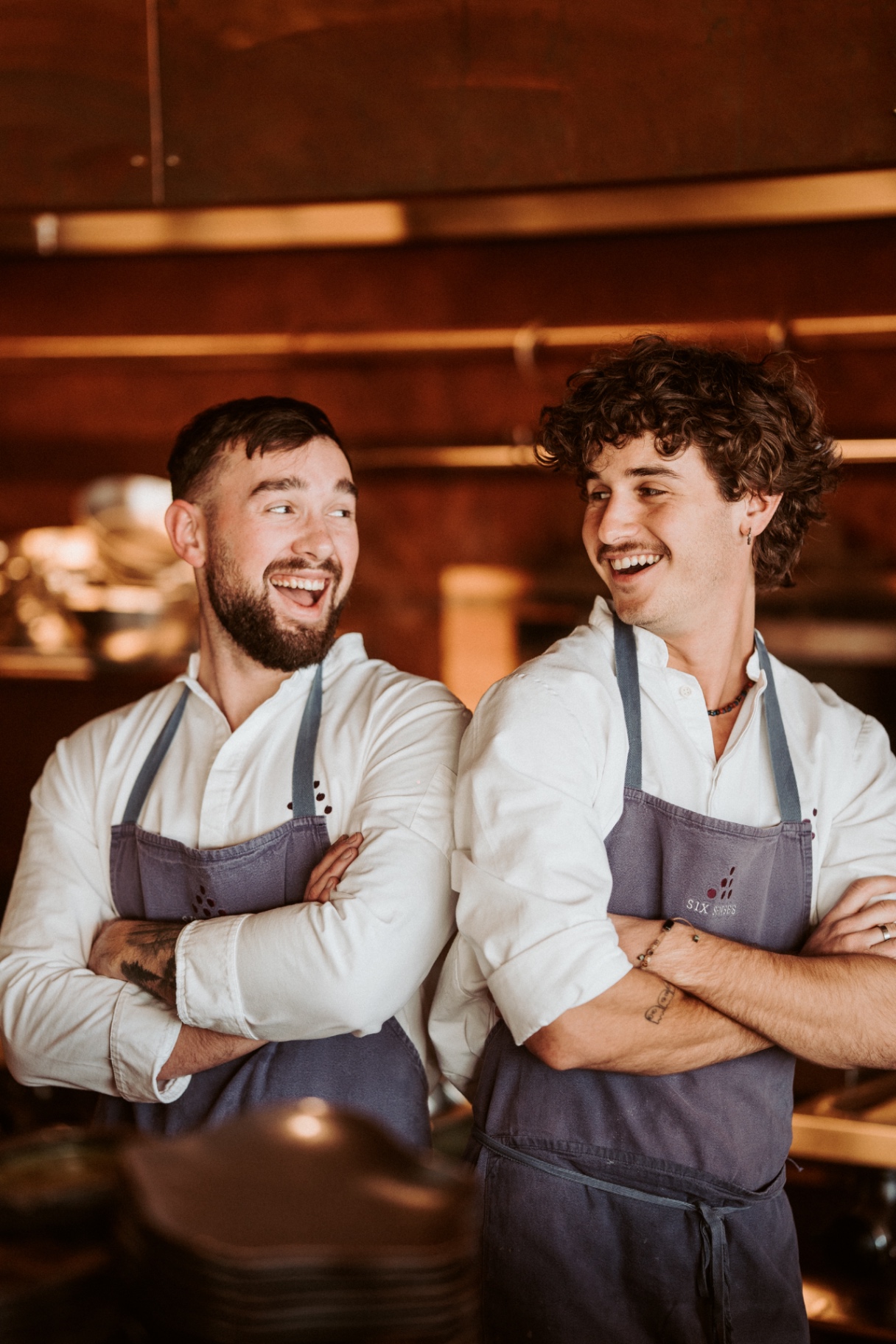
01 / Everyday
Mobile / ALL AROUND
THE EVERYDAY
Original preset / DSP BASE
A clean, muted starting point designed to calm the colors without killing the image.
The one I'd reach for when I don't want the edit to scream.
Best for / EVERYDAY / TRAVEL / PEOPLE / STREET

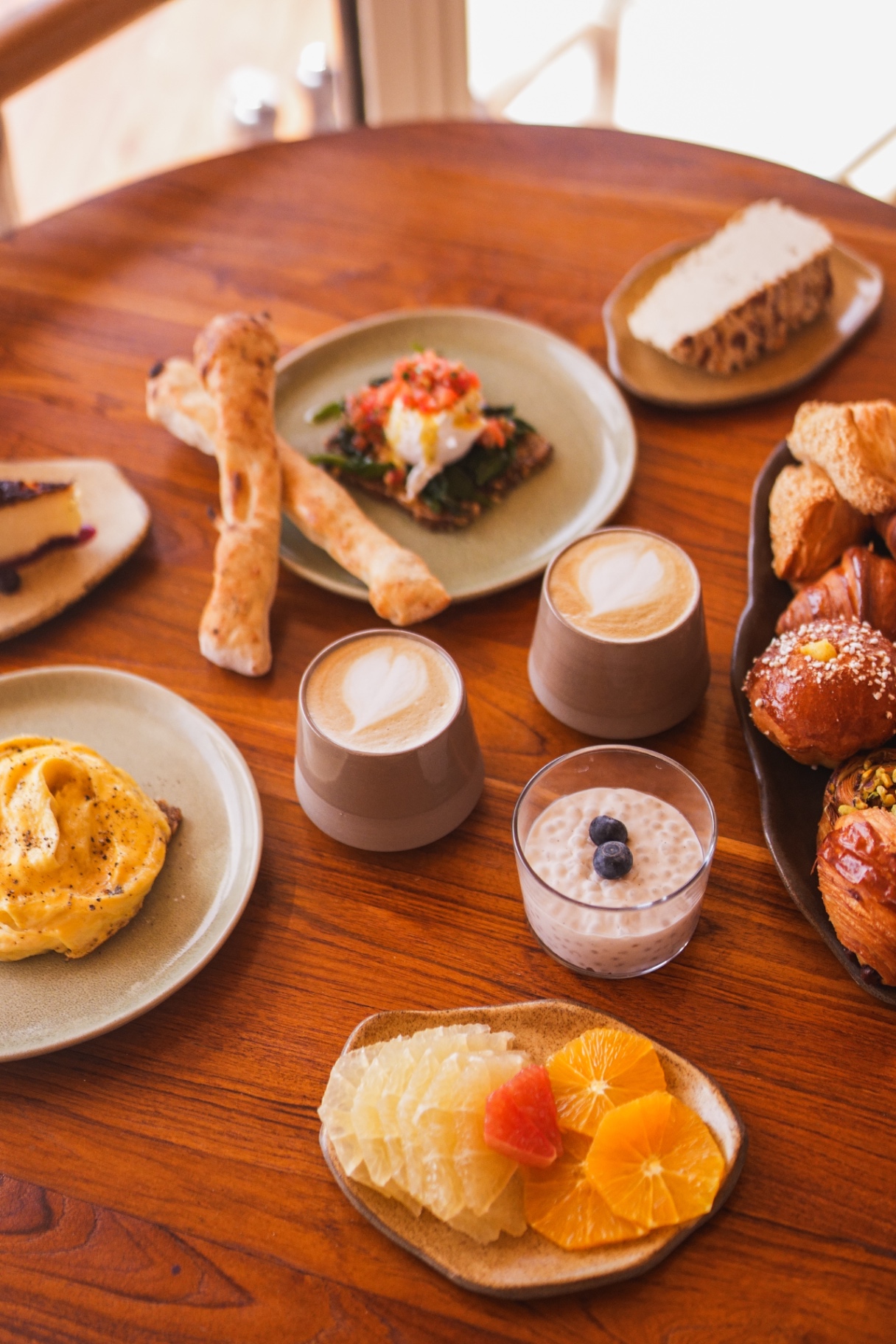
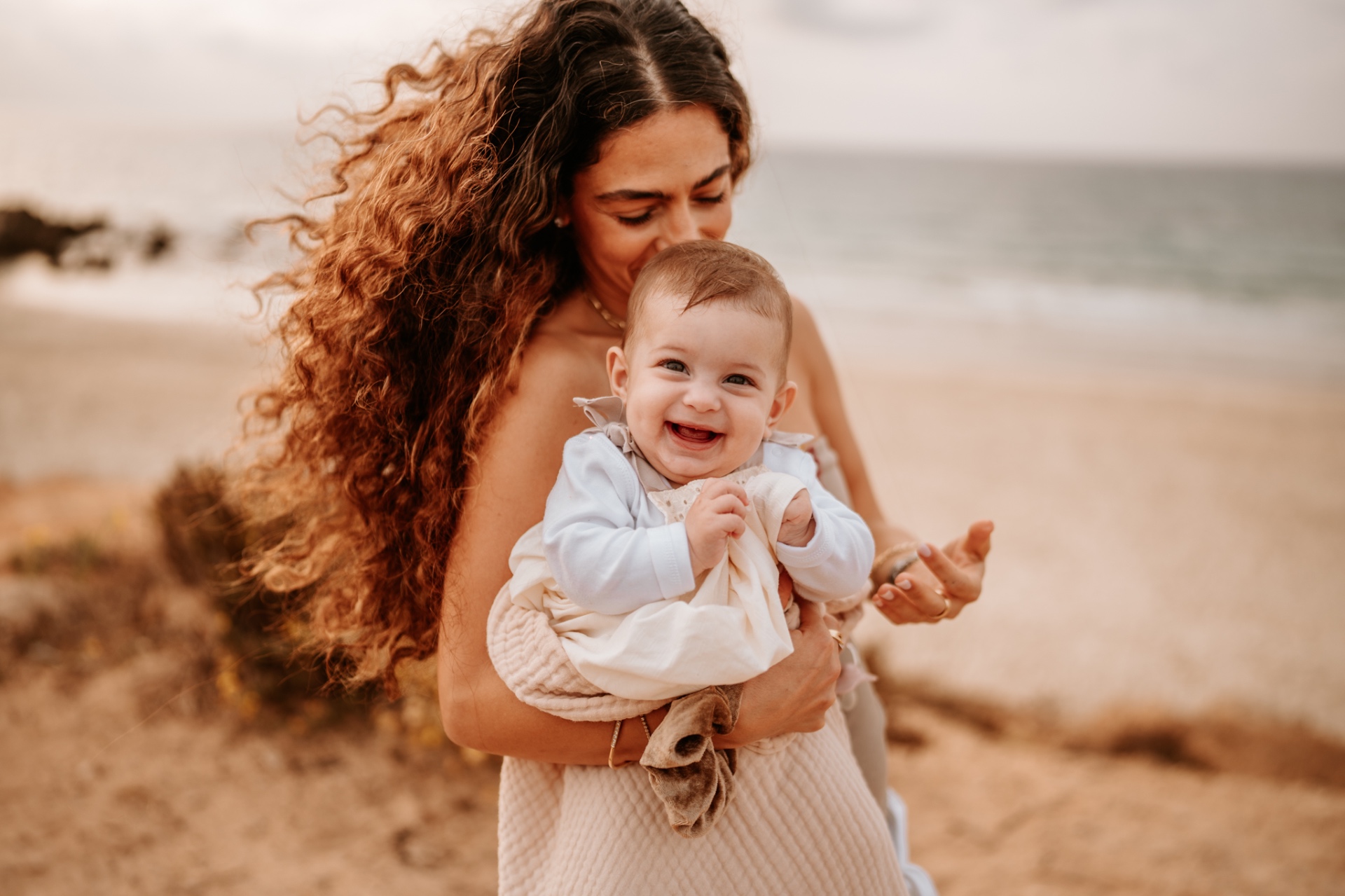
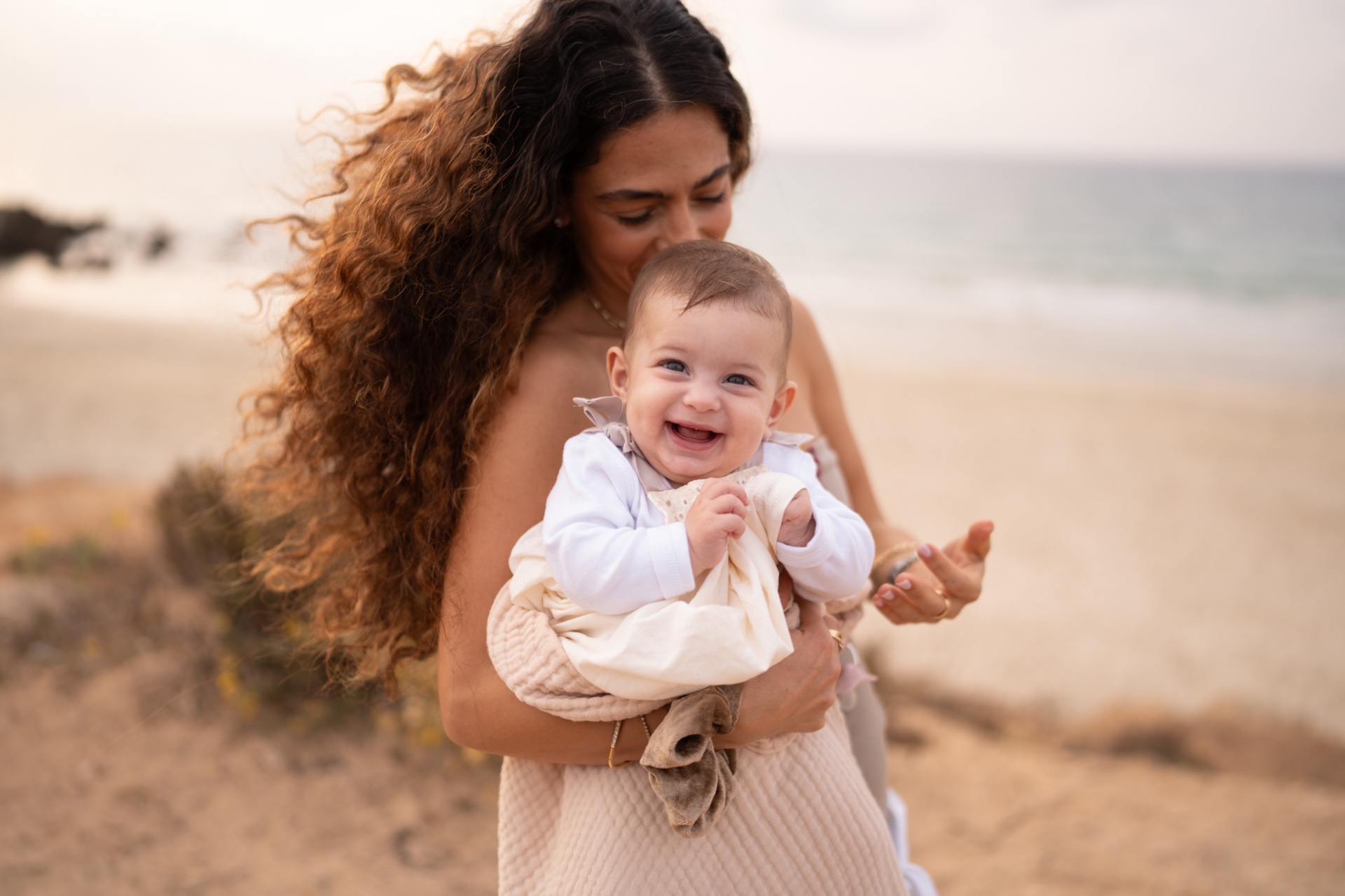
02 / Lifestyle
Mobile / BLOGGERS
THE LIFESTYLE
Original preset / DSP LIFESTYLE
Soft light, open shadows and quieter colors for clean lifestyle imagery.
Soft without looking washed out.
Best for / LIFESTYLE / HOTELS / PEOPLE / DAYLIGHT
03 / Cinematic
Mobile / CINEMATIC
THE CINEMATIC
Original preset / DSP MOODY CINE
Deeper exposure, stronger contrast and muted color for frames that need more mood.
For when clean isn't enough.
Best for / TRAVEL / HOTELS / NIGHT / MOODY LIGHT
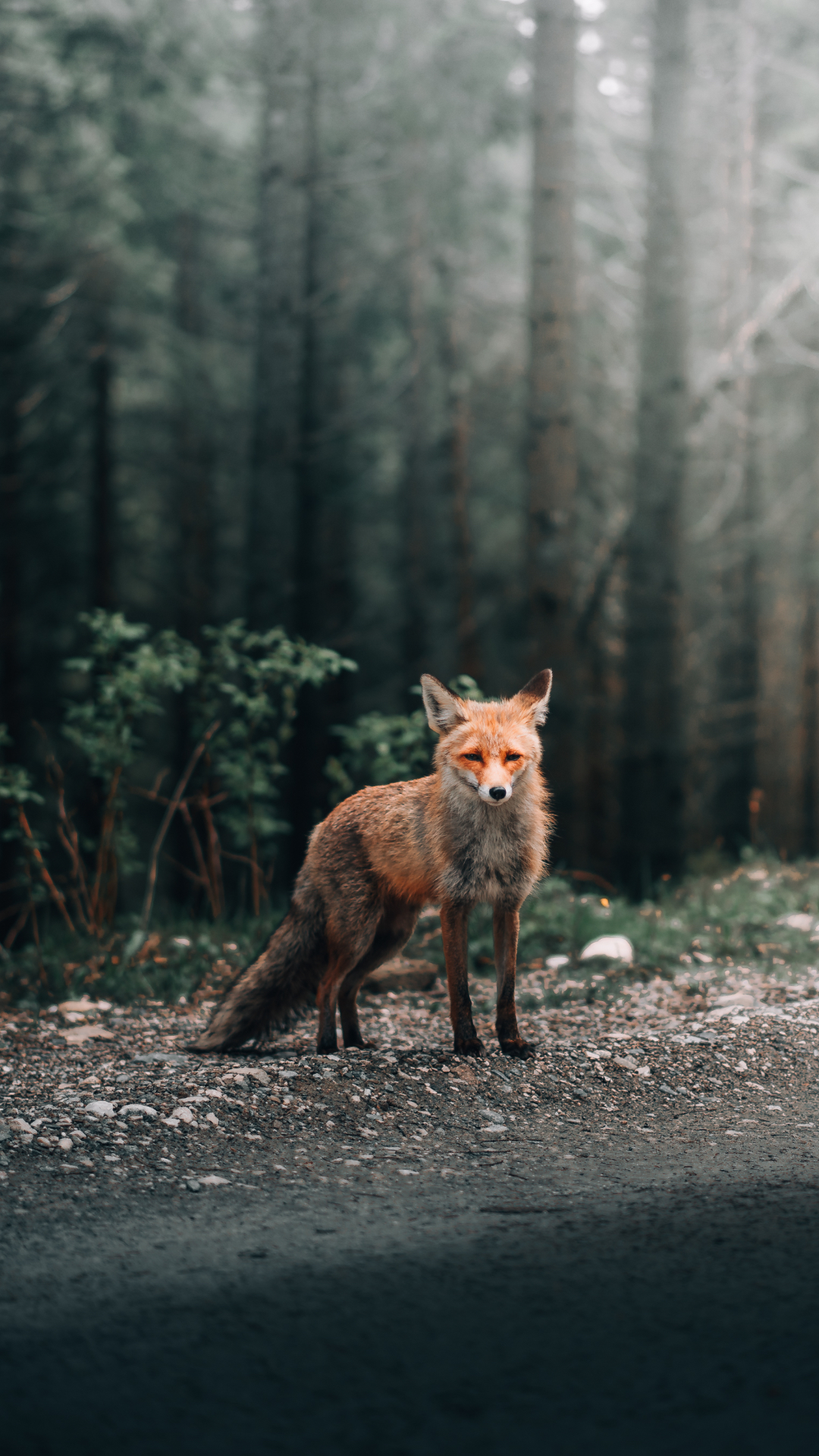
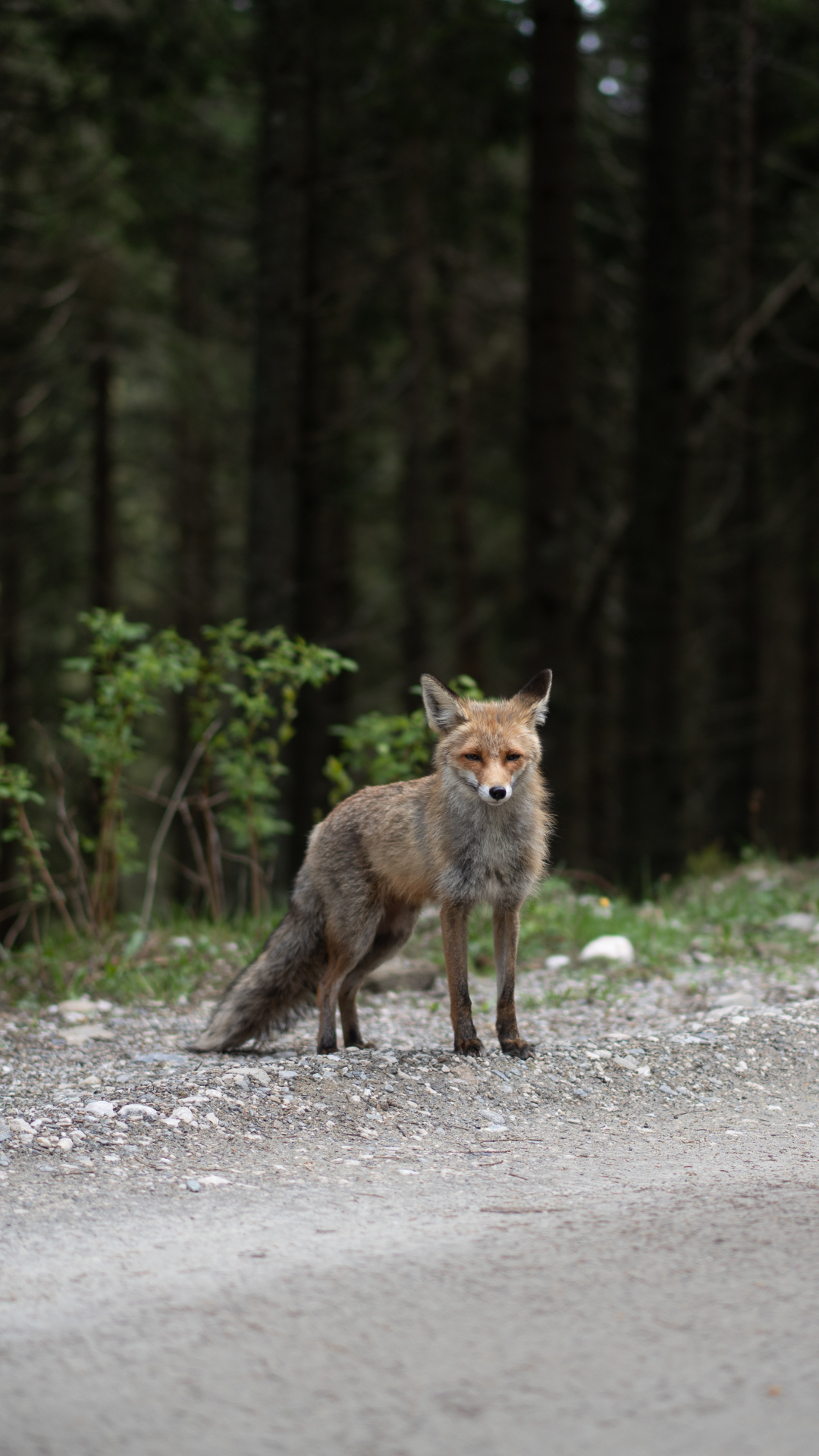
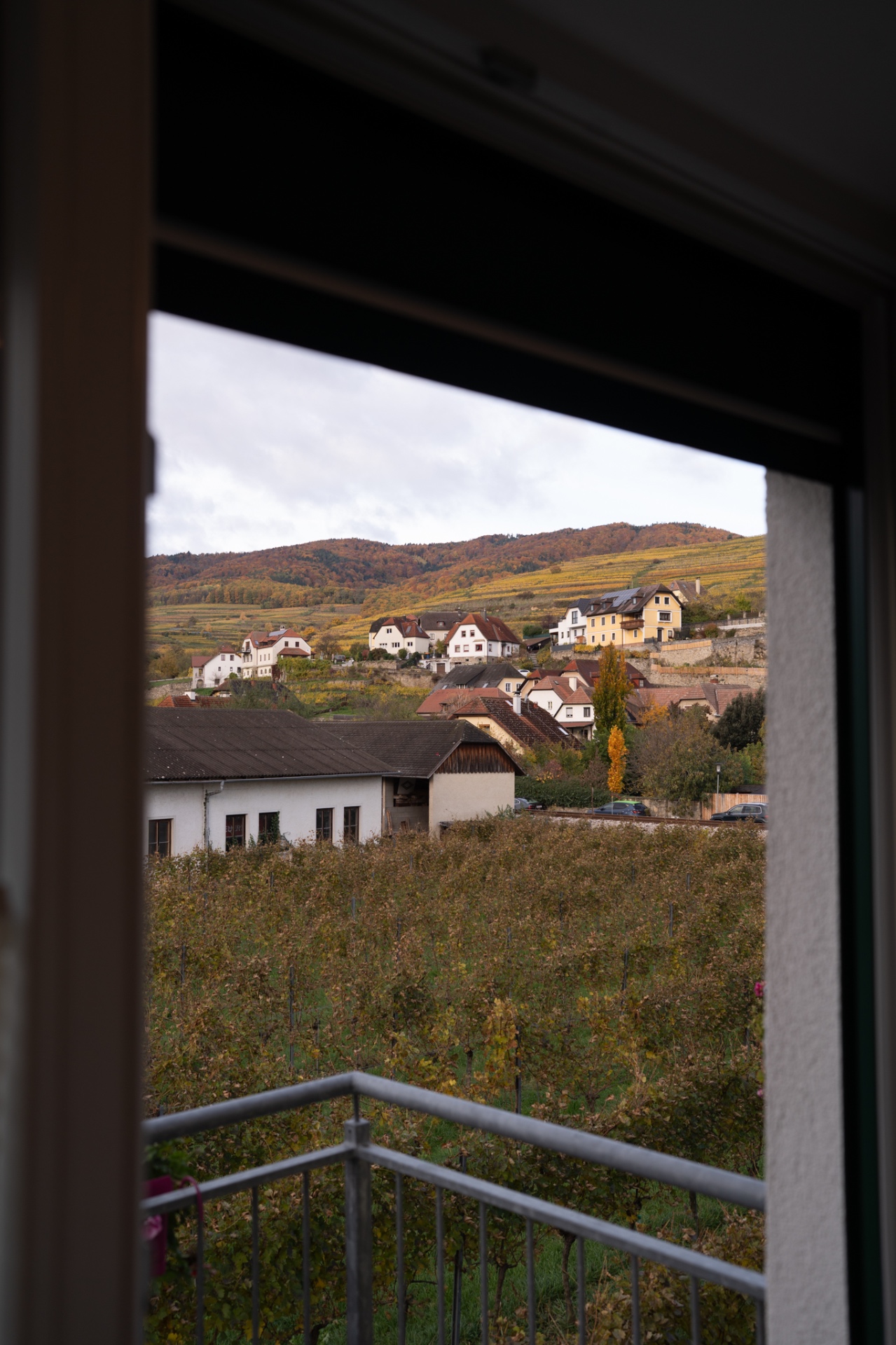
04 / Landscape
Mobile / LANDSCAPE
THE LANDSCAPE
Original preset / L01
More texture and depth without turning nature into radioactive HDR.
Big scenery. Less screaming color.
Best for / LANDSCAPES / MOUNTAINS / TRAVEL / NATURE
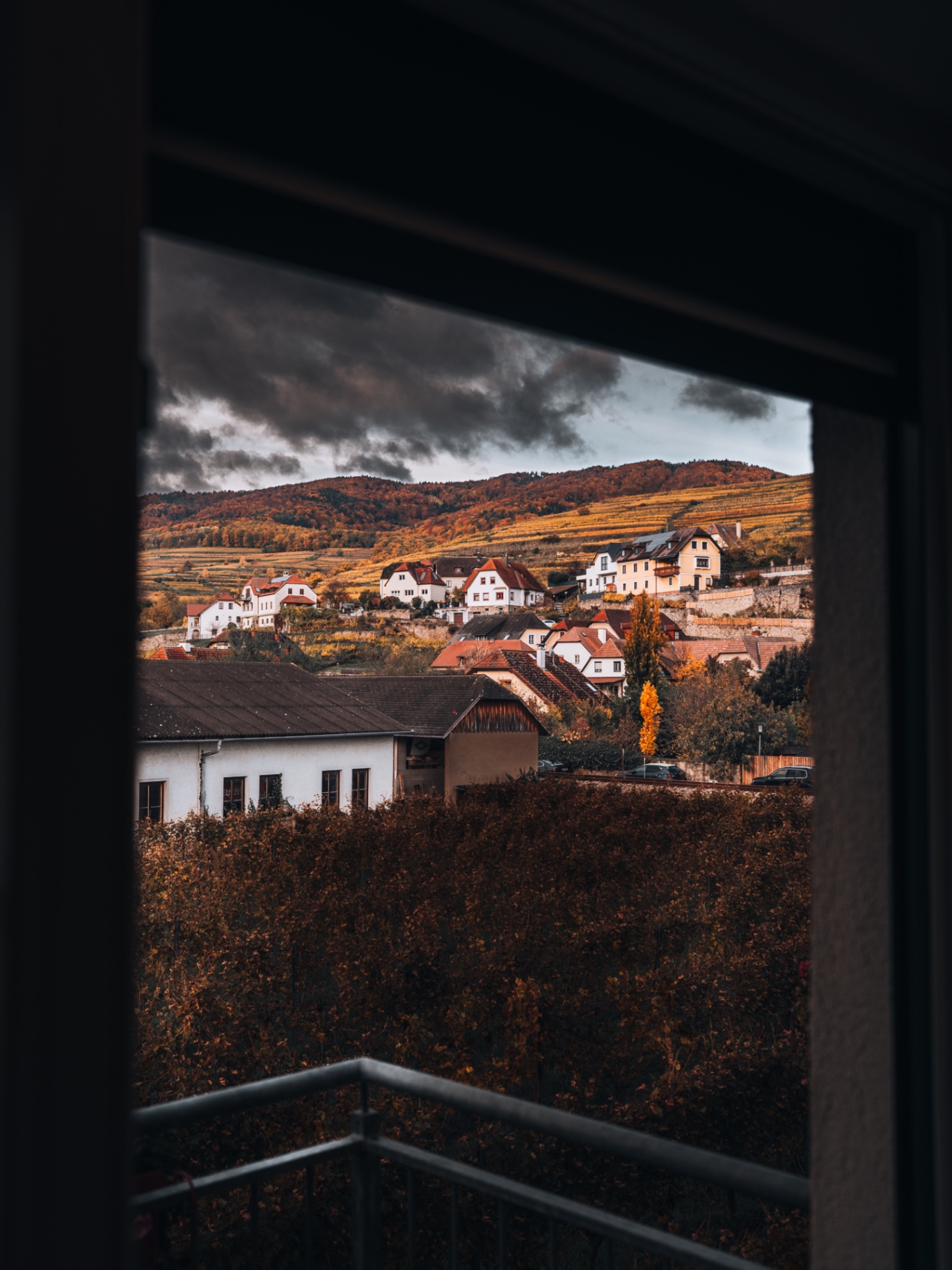
05 / Couples
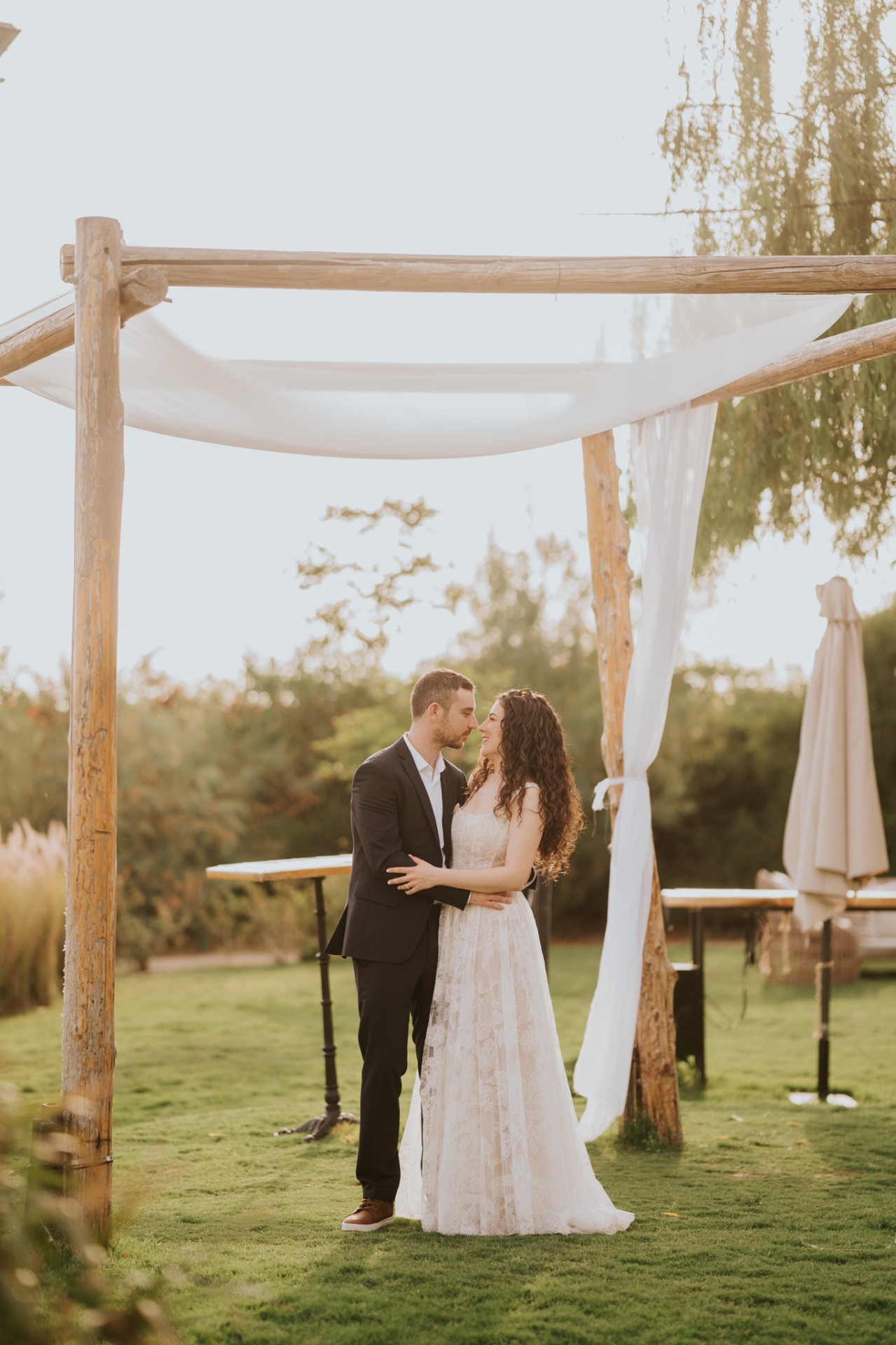
Mobile / COUPLES
THE COUPLES
Original preset / W03
Muted color, deeper blacks and softer texture built around people and skin.
Less color noise. More people.
Best for / COUPLES / WEDDINGS / PORTRAITS / PEOPLE
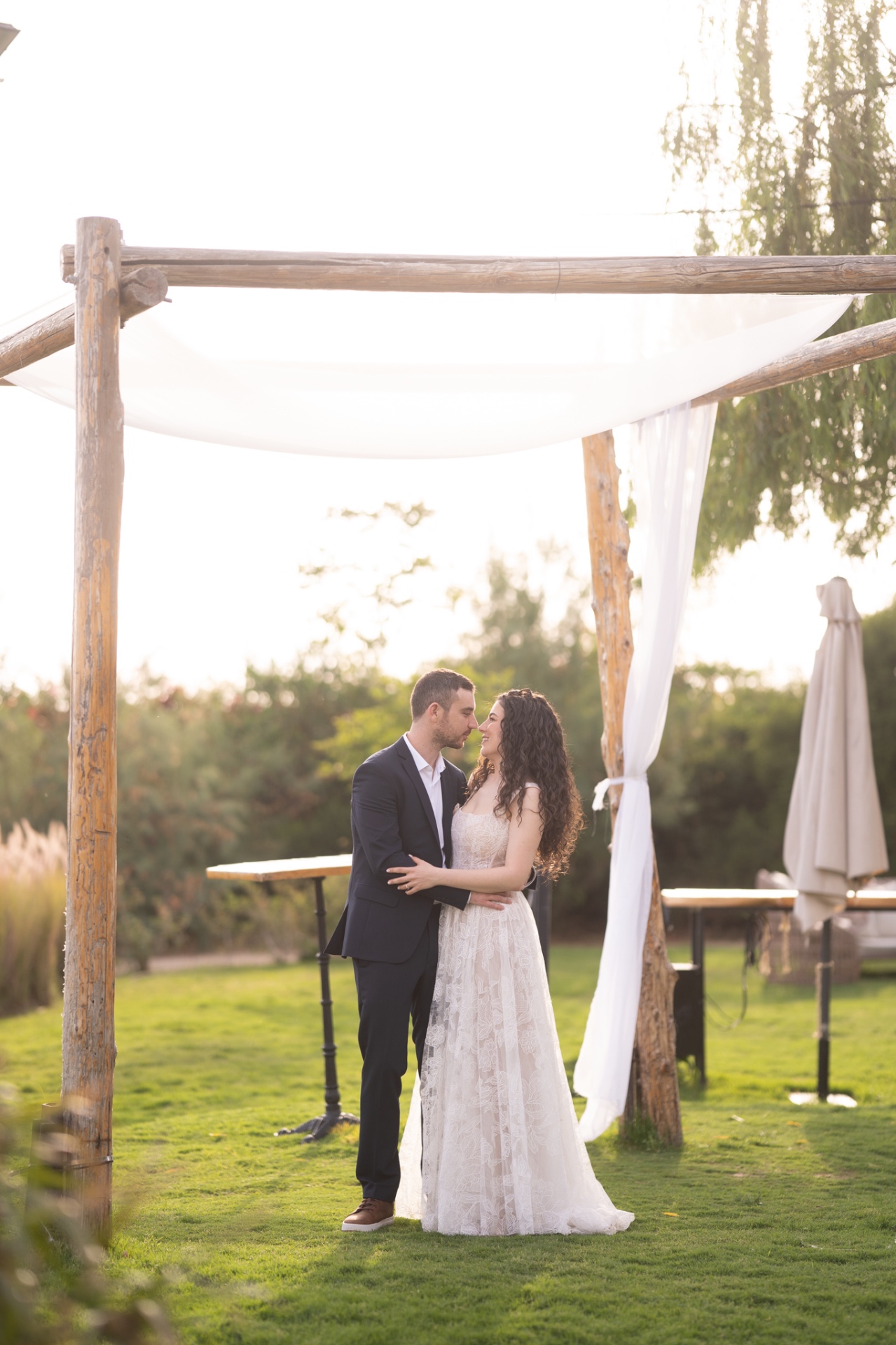
Selected work / The looks in use
Made for real
photographs.
How I use them
Clicking the preset
isn't the edit.
Every photograph has different light. After applying a preset, I shape the frame with global adjustments and local masks.
Exposure
White balance
Skin / Color
Masking
Beyond the preset / Local edit
The frame gets
its own treatment.
Tap each mask to see how I separate the subject, skin and background.
MASKING
The preset sets the direction. Masks shape the light, skin and attention inside the frame.
Then I make the frame my own.
The complete collection / $0
Take all five.
Desktop or mobile. They're already waiting for you.
Download the presetsXMP for Lightroom / Camera Raw
DNG versions for mobile
Installation guides included
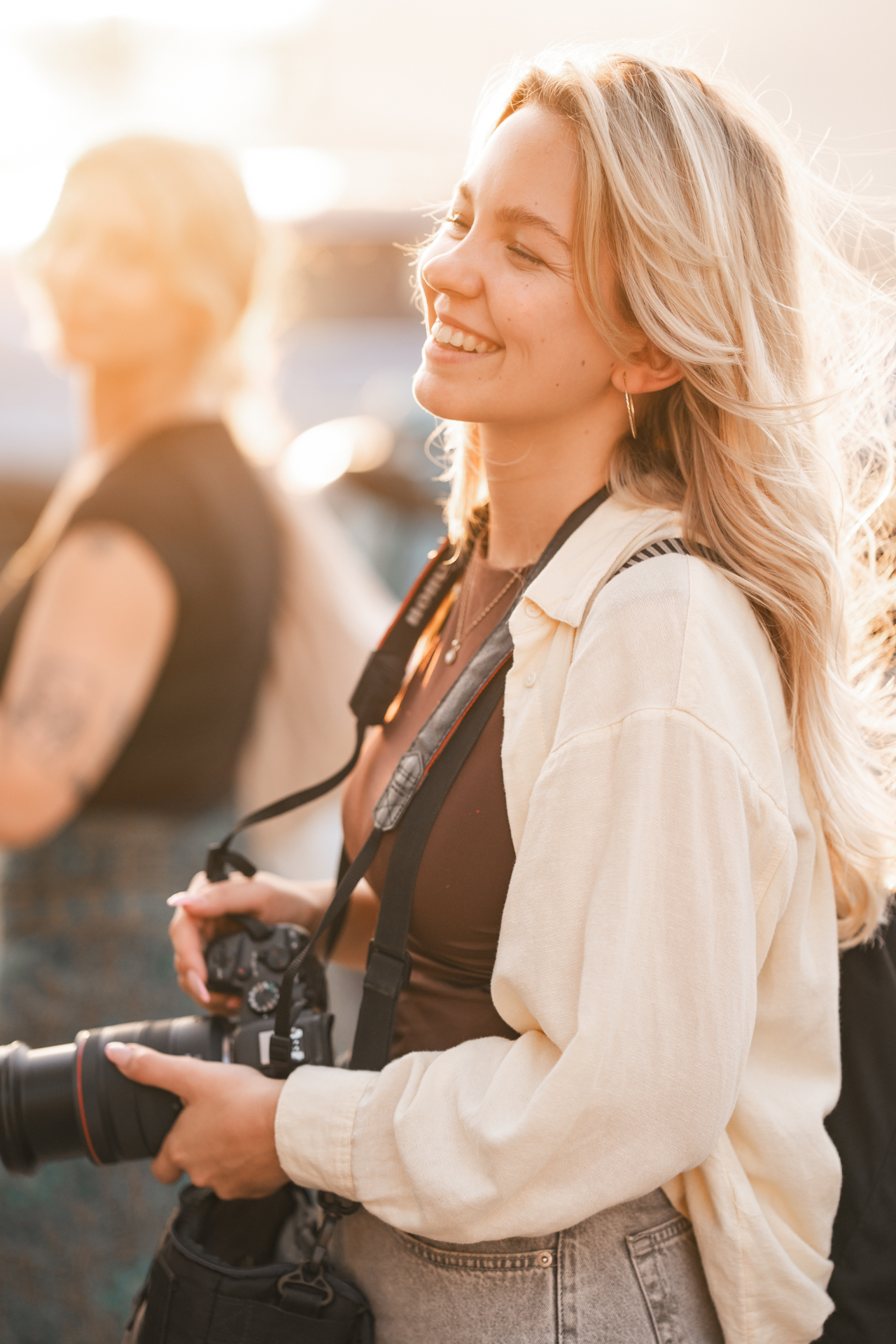
The presets are the easy part.
Come see how
the frames are made.
I share the shoots, the BTS, the final frames and what I'm learning along the way.
Travel.
Photography.
Film.
The process behind all of it.
More frames. More BTS. More things worth stealing.